Data acquisition
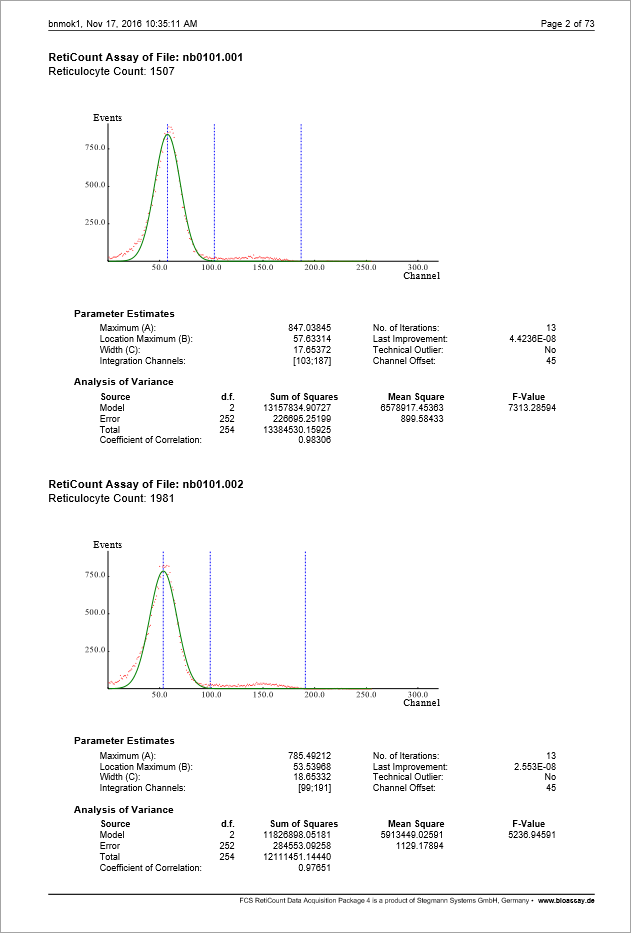
Acquire data to import response values from external systems into existing PLA 3.0 documents.
Before you begin
Before starting the acquisition process, make sure your setup meets the requirements listed below.
| Requirement | Background | Steps |
|---|---|---|
|
Add-on version 1.3.0 of the FCS RetiCount Data Acquisition Module is activated in your database. |
All your add-ons are automatically made available in PLA 3.0. To use a data acquisition module, you have to activate the corresponding add-on in your database. |
See the Install the data acquisition module topic. |
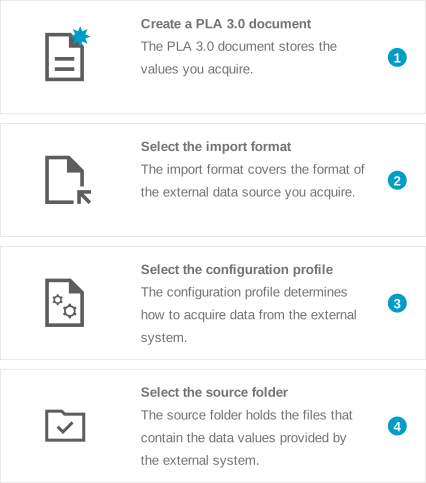
Steps
Result
In the Observations editor, PLA 3.0 displays details about the process as an
annotation to the imported value. You can identify an annotated
value by a small blue triangle in the upper left corner of the data
cell. To view the annotation, right-click the annotated data, and
select  Show annotations from
the context menu.